
![English [en] | iPhone - 6.9 Display - 1 | 2025-05-13_10-44-05](https://dalecc.wa.edu.au/wp-content/uploads/2025/05/English-en-iPhone-6.922-Display-1-2025-05-13_10-44-05-scaled-196x425.jpeg "English [en] | iPhone - 6.9 Display - 1 | 2025-05-13_10-44-05")
![English [en] | iPhone - 6.9 Display - 2 | 2025-05-13_10-44-05](https://dalecc.wa.edu.au/wp-content/uploads/2025/05/English-en-iPhone-6.922-Display-2-2025-05-13_10-44-05-scaled-196x425.jpeg "English [en] | iPhone - 6.9 Display - 2 | 2025-05-13_10-44-05")
Chromebook FAQs
Chromebook FAQ's
From 2027, Dale Christian College will progressively transition the Secondary School to a College-owned Chromebook Hire Program. This will provide students with a consistent digital learning environment while improving device support, management and repair arrangements.
What is Happening?
Beginning with the 2027 grade 7 cohort, families will no longer be required to purchase student devices as part of a booklist or requirement for the College before they commence the year. Instead, the College will stock an inventory of brand new, high-quality, College-selected Chromebooks that will be hired out to students for as long as they are in Secondary School at the College. The hire cost of these devices will be $100/year and will appear as a separate line item on the College fee statement. This cost will include the hire of the device for the year, a charger, a brand-new carry case on the first year of the device being issued, and replacement/loan devices in the event of damaged or forgotten devices.
When is This Happening?
In 2027, the rollout will begin with Grade 7 receiving College-owned Chromebooks at the beginning of the year. From 2028 onwards, Grade 7 and Grade 10 students will receive new devices each year, which they will keep for three years before returning them at the end of Grade 9 or Grade 12.
What Can Students do With the Devices?
Students will continue to take their devices to and from school on weekdays, weekends, and holidays as they currently do. Before the devices are deployed, College management profiles will be loaded on to each device to ensure correct management and oversight over them during their time at the College. If a student is to withdraw from the College, or graduates from the College, the device & charger will need to be returned on their final day. The carry bag is owned by the families and is for the student to keep.
What if a student accidentally damages a device?
The college will provide families with accidental damage and repair coverage on all College provided Chromebooks. Meaning, if a student is to accidentally damage their device, such as a cracked screen or damaged hinges, this damage will be sent off for repair for a small excess fee. Additionally, a temporary device will be provided to the student until the damaged device has been fixed and returned. The excess cost of $20 is required to be paid at reception before the repair process can begin.
It is important to note, intentional or malicious damage will NOT be covered under this scheme, and families may incur the cost of repair for devices that are purposely damaged.
It is important to note, intentional or malicious damage will NOT be covered under this scheme, and families may incur the cost of repair for devices that are purposely damaged.
Can students bring their own devices instead of the College-issued devices?
No – students within cohorts that have access to the College Chromebooks will not be permitted to bring their own devices as this would work against a standardised digital operating environment the College is striving towards. Students within cohorts that are not yet allocated College Chromebooks will still be required to bring their own devices.
What are the benefits of this device scheme?
There are multiple benefits to transitioning the College to this style of device implementation.
– Access to top-end Chromebooks for lower all-round costs on families, whilst spreading that cost over multiple years.
– Access to accidental damage and repair claims, only requiring families to pay a small excess then the entire cost of the repair.
– Allows more precise and scalable management of the devices to further enhance the digital teaching and learning environment.
Will students keep the same device for their entire time in Secondary School?
No – Brand new devices will be issued to the grade 7 and 10 cohorts at the beginning of every year. Meaning if a student commences in grade 7, that device will be collected on the final day of grade 9, and a new device will be issued to them prior to their first day in grade 10.
Devices will be collected from grade 12’s prior to their final official day at the College. If grade 12’s require additional access to their devices to assist them with completing WACE requirements, arrangements can be made with the head of secondary.
Devices will be collected from grade 12’s prior to their final official day at the College. If grade 12’s require additional access to their devices to assist them with completing WACE requirements, arrangements can be made with the head of secondary.
What happens to the devices when the College receives them back?
As part of this device rollout for secondary school, the College will also be providing primary school students with access to Chromebooks in their classes from grades 2-6. The devices received back after their three-year assignment in secondary school will be made available to the classroom Chromebook trolleys in primary school.
What Happens if a Device Is Lost, Stolen or Deliberately Damaged?
Accidental damage may be covered under the College’s repair arrangements, subject to payment of the applicable excess. Intentional damage, reckless misuse, loss, theft or damage to accessories may not be covered. In these circumstances, families may be responsible for some or all of the repair or replacement cost. Theft of the device outside of College grounds will be a matter for the family’s personal insurance and will be discussed with the College IT Manager and Principal.
*Any loss, theft or damage must be reported to the College as soon as possible.
What Happens When a Student Leaves the College?
College Chromebooks remain the property of Dale Christian College and must be returned, together with the College-issued charger, before a student withdraws, graduates or otherwise finishes at the College.
Devices are individually registered within the College’s device-management system. Where a device is not returned as required, the College will remotely disable the device and take appropriate steps to recover the equipment or its replacement cost.
The Chromebook carry case issued when the student first enters the program becomes the property of the family and does not need to be returned.
I Have More Questions, Who do I Contact?
If you have further questions, please send an email to dale@dalecc.wa.edu.au with ‘Chromebook‘ in the subject, and a member of staff will be able to assist you with your queries.

Parent Orbit
Parent Orbit
What Is Parent Orbit?
What Can Parent Orbit Do?
- Home
Keep up to date on your child’s school day at a glance. - Manage Student Details
View and update your child’s information and medical details. - Academic Reports
View and download your child’s school reports. - Manage Attendance and Absences
Easily track and manage your child’s attendance and absences. - Parent-Teacher Interviews
Schedule parent-teacher meetings and receive reminders. - Instant Notifications
Stay up to date with the latest announcements and important alerts. - Events and Payments
Allow parents to view excursion information and details, accept attendance, and verify that their student’s medical details are up-to-date. - Manage Parent Details
View and submit updated for your personal details, and view login history.
How Do I Get Parent Orbit?

- Tap the icon above, or go into the App Store and search for “Parent Orbit”.
- Once the App Store page for the app appears, tap “Get” or “Download.”
- You may be prompted to enter your Apple ID password or use Touch ID/Face ID to confirm the download.
- After the download is complete, tap “Open” to launch the app.
- Be sure to enable Notifications.

- Tap the icon above, or go into the Play Store and search for “Parent Orbit”.
- Once the Google Play Store page for the app appears, tap “Install.”
- The app will request certain permissions; tap “Accept” to grant them.
- After the installation is complete, tap “Open” to launch the app.
- Be sure to enable Notifications.
How Do I Log In?
Once you have downloaded and launched the “Parent Orbit” app, you will be given the opportunity to scan a QR code in to connect to Dale Christian College:

You will need to enter your Parent Code and password – if you’ve forgotten your Parent Code or password, please contact our Admin Office.
Our College Board
Our College Board
What is the Function of the Dale Christian College Board?
Dale Christian College is a ministry of the Armadale Congregational Church. By law, the existence of a Board of governors, is responsible for the oversight of the College, using public and government funds. This Board, as it serves the College community, is answerable to the Armadale Congregational Church.
The College Board operates at a governance level which means its responsibility is to:
- Ensure the strategic values, purpose and vision continue to be supportive of the primary function of the school.
- This primary function is to offer affordable, quality education within the framework of a Christ-centred biblical world view as we strive to equip our students with skills and strong values that encourage them to pursue excellence in all areas.
- Appointing the Principal and monitoring the school’s standard of education and care provided to all students.
It is important to understand the College Board does not involve itself with the management responsibilities of the school but rather sets its strategic direction. The day-to-day responsibilities of the school are devolved to the School Principal, his executive team, and staff.
Who are the Members of the College Board?
Board Chair: Mr. Mike Smith BSc(Ed), GradDipArts, GradCertBusAdmin
Board Treasurer: Mr. Kevin Ryan CPA, BBus
Members: Mr. Chris Chapman, Mrs. Maryann Malzer
College Principal: Mr. Anthony Moses BA (Ed); B.Ed.; Grad Cert (Ed. Leadership); M. Ed (Ed. Leadership)
How often does the College Board meet?
The College Board meets on the third Thursday of the month a minimum of ten times in the year.
Contact the Board
Responsive Resources
Responsive Education Resources
ADHD:
Video: https://www.youtube.com/watch?v=JiwZQNYlGQI&t=30s
Parent help:
https://www.additudemag.com/behavior-punishment-parenting-child-with-adhd/
https://www.healthline.com/health/adhd/parenting-tips#behavior-management
https://www.helpguide.org/articles/add-adhd/when-your-child-has-attention-deficit-disorder-adhd.htm
Children’s books: https://www.verywellmind.com/books-for-children-with-adhd-20450
Autism:
Video: https://www.youtube.com/watch?v=H8hHGIJKf3o&t=174s
Parent help:
https://suelarkey.com.au/girls-with-asd-info/
https://suelarkey.com.au/12-top-tips-to-set-up-for-success-in-2016/
https://suelarkey.com.au/you-cant-stop-behaviour-just-replace-it/
Children’s books: https://www.additudemag.com/slideshows/fictional-characters-with-adhd-books-we-love/
Dyslexia:
Video: https://www.youtube.com/watch?v=8LRzKegEfl8
Parent help:
https://dyslexia.yale.edu/resources/parents/what-parents-can-do/ten-things-to-help-your-struggling-reader/
https://dyslexia.yale.edu/resources/parents/what-parents-can-do/talking-with-your-child-about-dyslexia/
http://dyslexia.yale.edu/resources/parents/what-parents-can-do/developing-a-foundation-for-reading/
Children’s books: https://www.readbrightly.com/childrens-books-about-dyslexia/
Dyscalculia:
Video: https://www.youtube.com/watch?v=rlPFv_EDnvY
Parent help:
http://www.aboutdyscalculia.org/parents.html
https://www.understood.org/en/learning-attention-issues/child-learning-disabilities/dyscalculia/dyscalculia-strategies-you-can-try-at-home
https://childmind.org/article/how-to-help-kids-dyscalculia/
Children’s books: https://www.goodreads.com/book/show/8918253-the-absolute-value-of-mike

Calendar
Calendar
[tribe_events]
Curriculum
Curriculum

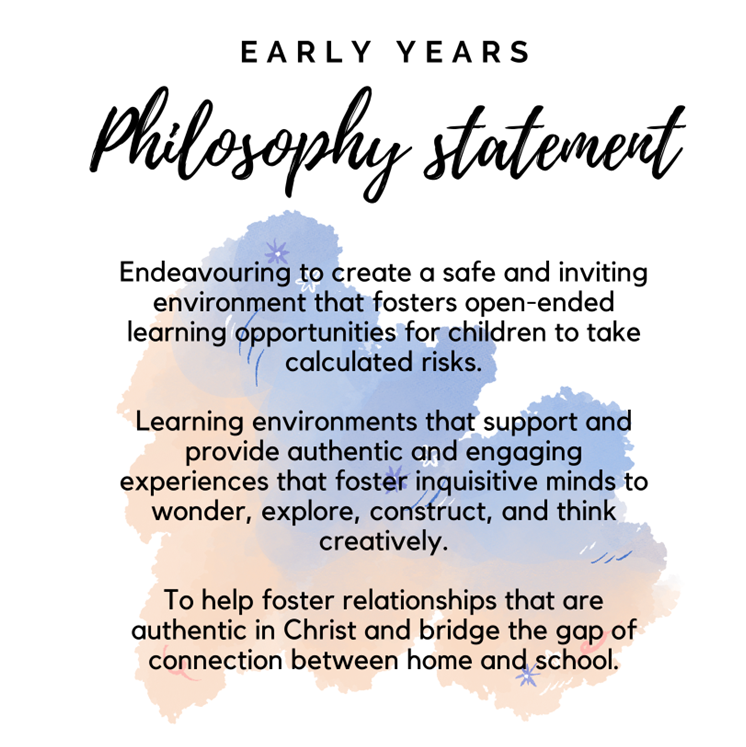
Early Childhood
Learning should be fun! The Program is designed to promote sound spiritual, physical, social, emotional and intellectual development of your child in the very important early years.
This is done through a comprehensive program that provides your child with ample opportunities to develop their natural abilities in all areas.

Primary School 1 – 6
Our Primary program builds on the foundations set in the Early Childhood years.
An emphasis is on students gaining a sound foundation in Numeracy and Literacy, while at the same time developing a love of learning.
A traditional Primary School curriculum is followed, strongly emphasizing learning the basics with a Christian emphasis. Close contact with parents is vital part of the primary years.

Responsive Education
Responsive Education adds a new point of view on responding to individual students who are at educational risk, that are just below the benchmark and talented students to create a culture that celebrates diversity and builds on the strengths of each student.
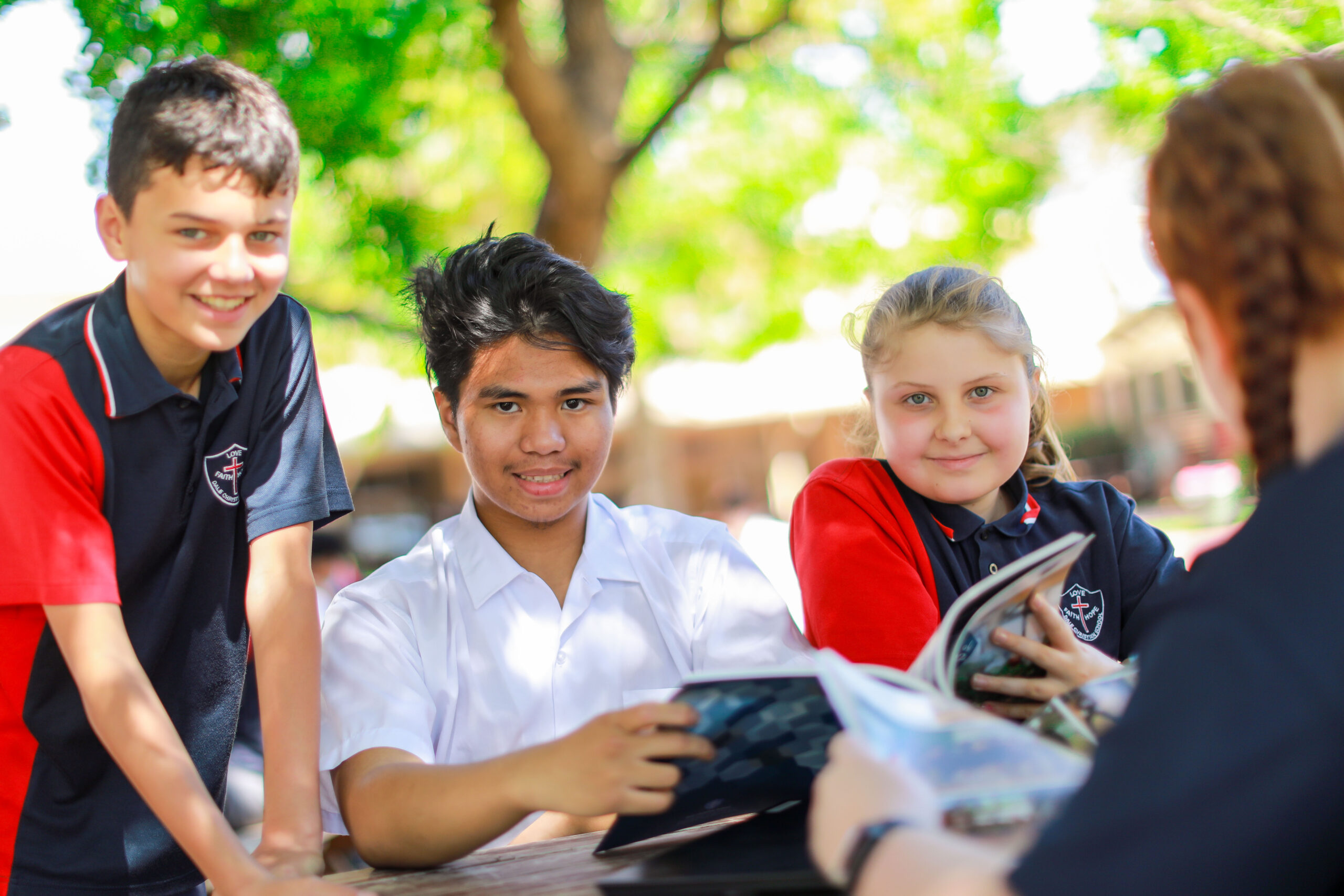
Middle School 7 – 9
All students study a comprehensive program covering the eight learning areas of English, Mathematics, Science, The Arts, Health & Physical Education, Humanities and Social Sciences, Languages other than English and Technology and Enterprise.
The students also have the opportunity to partake in specialist subjects including Music, Specialist Multisport, STEM, Art/Ceramics, Media, Food Science. Students are encouraged to experience a range of activities.
Bush Rangers is an after-school, Government funded unit with the emphasis on conservation activities, teamwork and camping experiences.

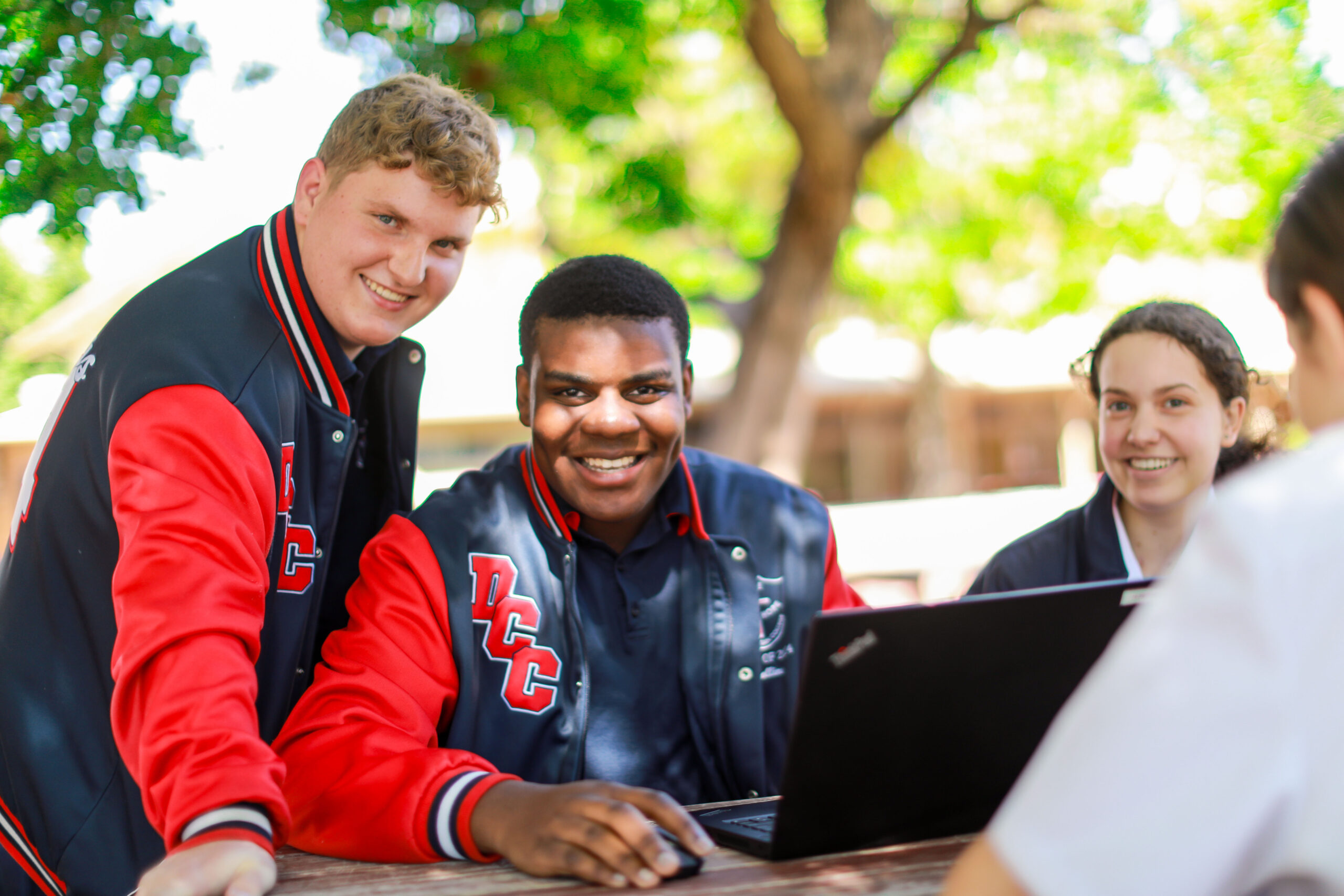
Senior School 10 – 12
Year 10 students continue in the study of the eight learning areas including specialist subjects, while preparing students for General, ATAR and VET pathways in Years 11 and 12.
Selected students will complete a Certificate II in Music (Performance) qualification. Our focus is on future pathways, ensuring that students are starting to put together some plans for Upper School and beyond, developing into responsible adults who contribute positively to their communities.
General subjects offered in 2025 include English, Math Essentials, Food Science, Applied Information Technology, Science in Practice, Career & Employability Skills, Visual Art and Material Design & Technology.
ATAR courses for 2025 include English, Math Applications, Math Methods, Physics, Chemistry, Human Biology, Psychology and Geography.
The following Certificate courses are offered on site for Years 11 and 12:
(a levy of $80.00 per year, per subject, is charged).
- CUA20620 – Certificate II in Music with COSAMP (RTO 41549)
- CUA30920 – Certificate III in Music with COSAMP (RTO 41549)
- SIS30122 – Certificate III in Sport, Aquatics & Recreation IVET (RTO 40548)
- A dual Qualification – Certificate II in Workplace Skills (BSB201320) and Certificate III in Business (BSB30120) with IVET (RTO40548)
Selected students are also enrolled in ‘SIDE on-line’ courses to extend the range of courses available.
The ‘ECU Uniprep’ course (otherwise known as a Bridging Course) is available on site for eligible Year 12 students.
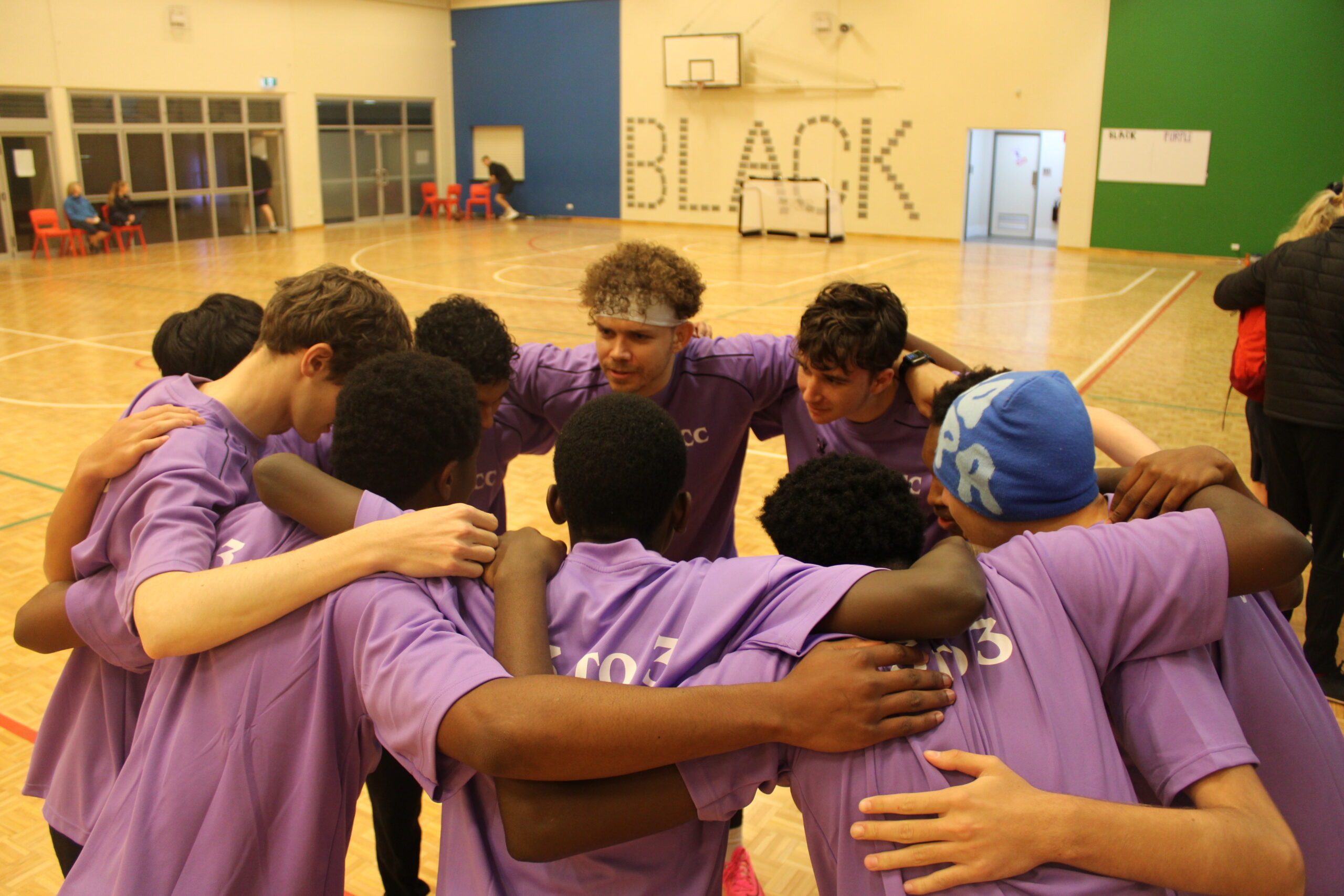
Programs
Dale Christian College runs a wide variety of extra-Curricular activities. These programs include:
- River Rangers
- DCS Iron
- 3 to 3 Event
- Basketball
- Student Leadership
- Duke Of Edinburgh
- Chapel Band
- Primary School Choir
- Instrumental Music Program
These programs have proved to be very popular with students and we are sure they will continue to be in years to come.
Latest News
Latest News
Enrolments
Enrolments
Dale Christian College welcomes enrolment enquiries at any time throughout the year.
Please be aware that due to varying enrolment capacities across year levels, the College operates a waitlist in many year groups. Availability can be difficult to predict, as it is influenced by a range of contributing factors.
If you would like further information or wish to discuss your enquiry, please feel free to contact our Enrolments Team, at any time.
Online Application
We are delighted that you are exploring Dale Christian College for your family. The first step towards enrolment lies with the online Registration of Interest Application Form. Simply click on the link below to begin:
You will receive a temporary password to gain access. This access will allow you to return to the form at any time.
Enquiries
Enquiries can be made online by filling in the Enquiry Online form or by emailing enrolments@dalecc.wa.edu.au directly.
Tours
We’re delighted that you are exploring Dale Christian College as part of your family’s education journey. Our current families enjoy a safe, caring and supportive environment and we would value the opportunity to schedule a private tour with you and answer those questions that are important to your family.
Please call our Enrolments Staff on 9497 1444 (Dial Option 3 for Enrolments) to book your private tour.
We look forward to hearing from you.
For any further information, please email the Enrolments officer on: enrolments@dalecc.wa.edu.au
Dale Christian College Walk Around